A clean desk isn't just about aesthetics. Tangled cables collect dust, make it harder to adjust your monitor arm, and create tripping hazards. Worse, they make your workspace look unfinished — no matter how much you spent on your equipment.
Start With the Right Tools
You don't need expensive cable management systems. A few simple accessories will handle 90% of the work:
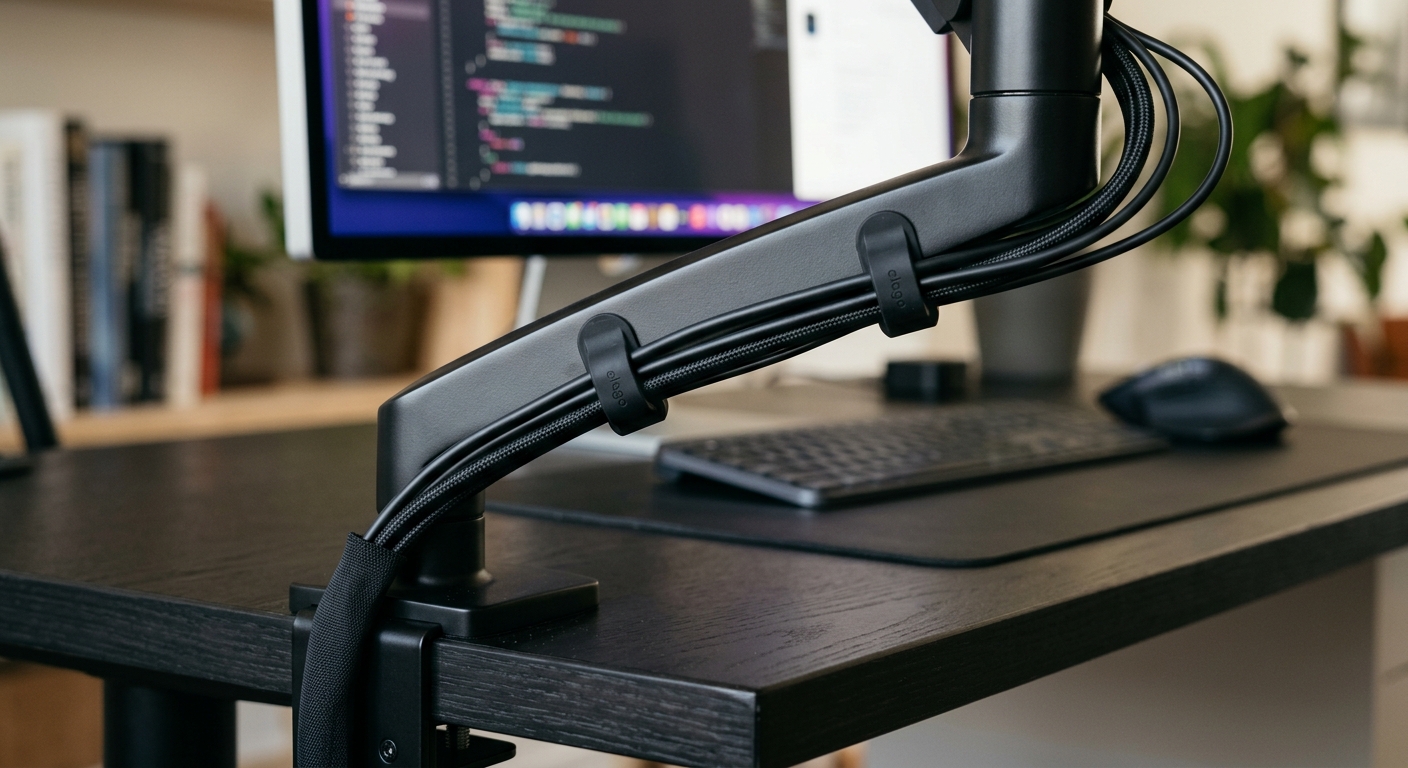
- Silicone cable clips — these attach to your desk or monitor arm and route individual cables along a defined path. Look for magnetic clips if you need to reposition them frequently.
- Cable sleeves — a zip-up sleeve bundles multiple cables into a single clean line. Use this for the main run from your desk to the power strip.
- Velcro straps — for coiling excess cable length. Never use zip ties, which can damage cable insulation and prevent future adjustments.
The Routing Process
Follow these steps for a clean cable setup:
- Disconnect everything — start with a clean slate. This is the only way to avoid routing cables around existing tangles.
- Identify your cable paths — most desks have two main routes: along the monitor arm (for display and power cables) and under the desk surface (for keyboard, mouse, and peripheral cables).
- Route monitor cables through the arm — if your monitor arm has built-in cable management clips, use them. If not, attach silicone clips along the arm's vertical post and horizontal extension.
- Bundle under-desk cables — use a cable sleeve to group all cables running from your desk to the floor. Secure the sleeve to the underside of your desk with clips or adhesive mounts.
- Coil excess length — cables that are too long create loops that catch on things. Coil the excess and secure with a velcro strap.
Cable Management for Monitor Arms
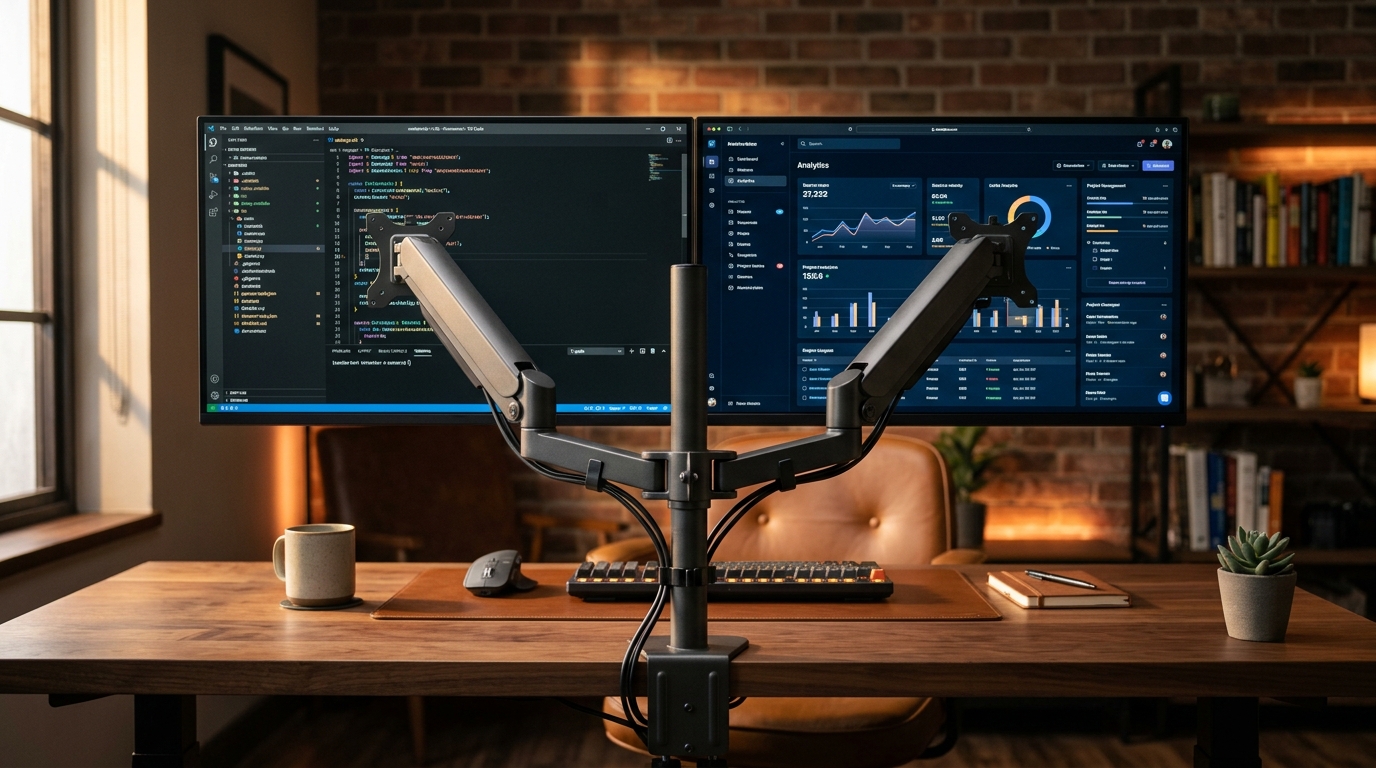
Gas spring monitor arms are particularly good for cable management because they have built-in routing channels. Route your display cable (HDMI, DisplayPort, or USB-C) and power cable through the arm's cable clips, following the arm from the monitor down to the desk clamp. This keeps cables hidden and allows the arm to move freely without snagging.
For dual monitor setups, route each monitor's cables through its respective arm. Keep the cables separated to prevent interference when adjusting arm position.
Maintaining Your Setup
Cable management isn't a one-time task. When you add a new device, route its cable properly from the start rather than letting it dangle. Check your cable clips every few months — adhesive clips can loosen over time, especially in humid environments.
A well-managed desk takes 30 minutes to set up and saves you from daily frustration. Start with the basics and refine as you go.
Browse our collection of monitor arms, stands, and desk accessories.
Shop Now