If you're still working on a single monitor, you're leaving productivity on the table. Research from the University of Utah found that dual monitors can increase productivity by 20-30%, with users completing tasks faster and making fewer errors.
Why Two Screens Work
The benefit comes from reducing context switching. On a single screen, you constantly alt-tab between applications — your email, your browser, your document, your spreadsheet. Each switch costs about 1.5 seconds of mental reorientation, and those seconds add up over an 8-hour workday.
With dual monitors, you keep your primary work on one screen and reference materials, communication tools, or dashboards on the other. Your eyes move between screens faster than your hands can switch windows.
Choosing the Right Mount
The mount you choose determines how usable your dual setup will be. Here are the main options:
Dual Monitor Stand (Clamp Mount)
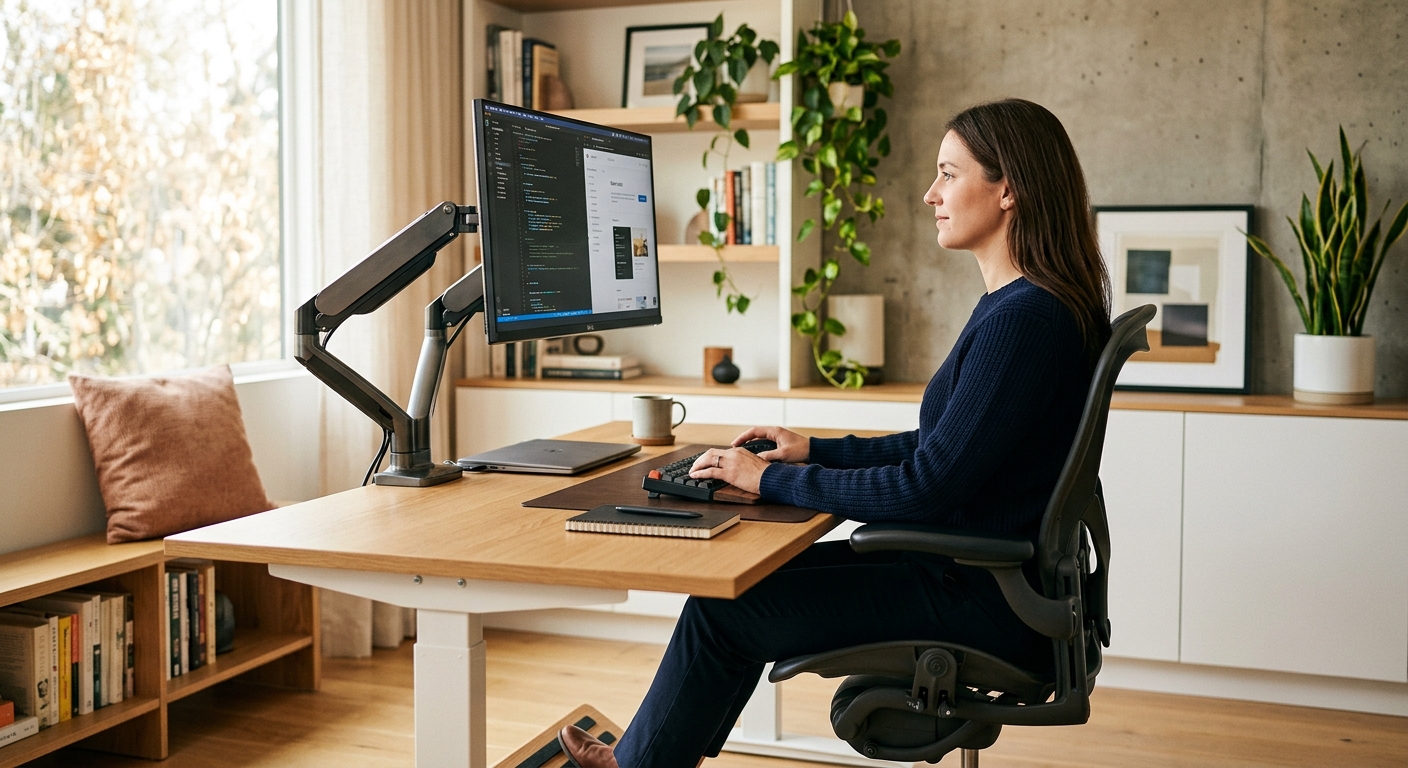
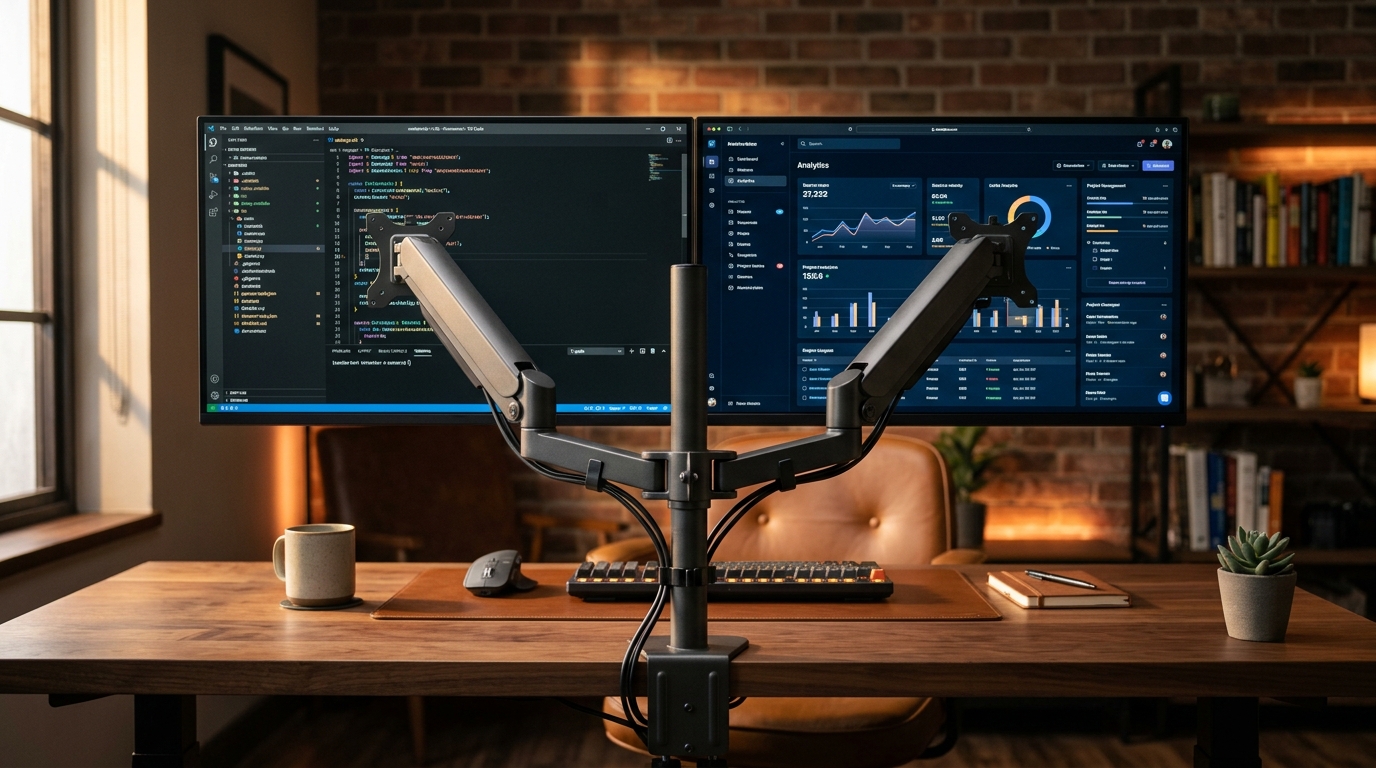
A clamp-mount dual stand attaches to the edge of your desk and holds both monitors on a single pole. This is the most popular option because it's stable, adjustable, and doesn't require drilling. Look for a stand with independent arm adjustment so you can position each monitor at the correct height and angle.
Dual Gas Spring Arms
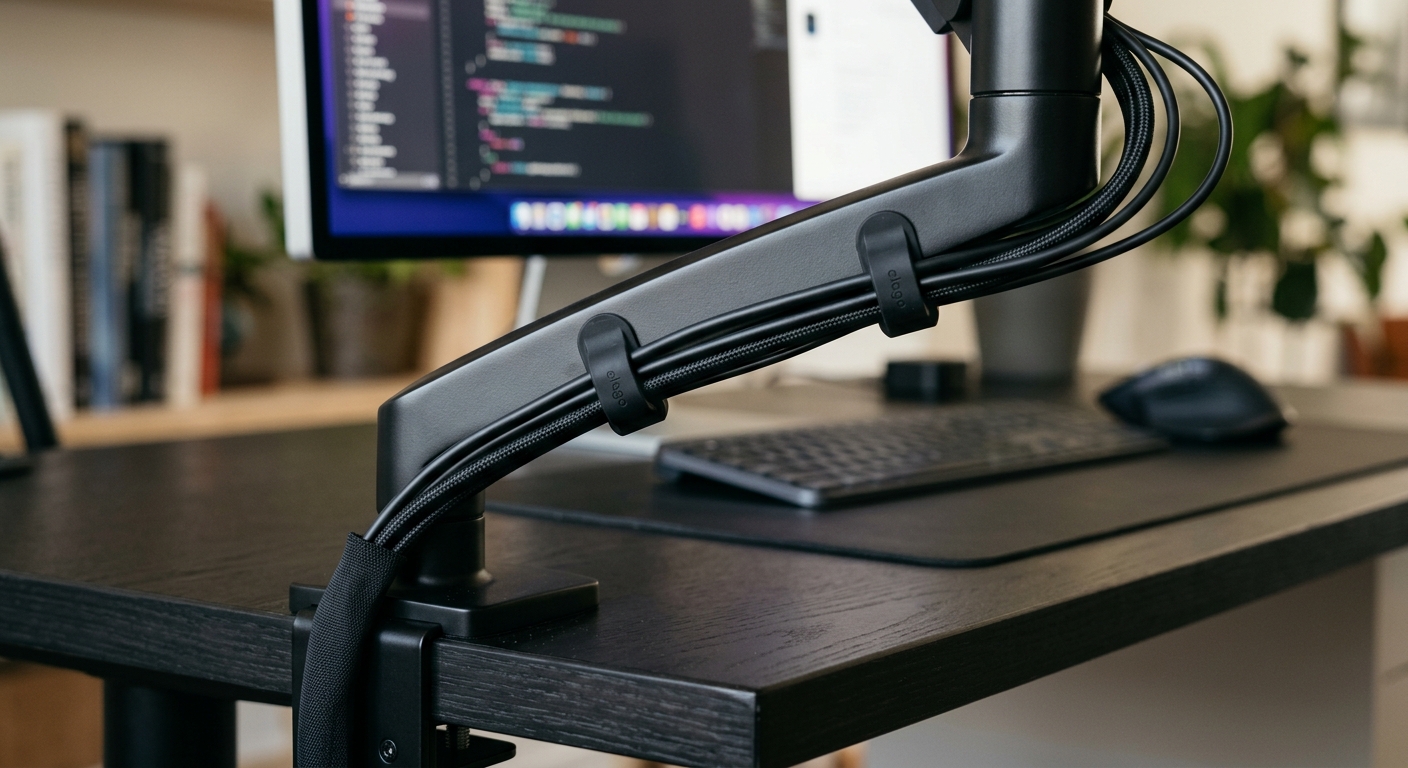
Gas spring arms offer one-finger height adjustment and full motion — tilt, swivel, and rotation. If you share your workstation or frequently adjust your setup, gas spring arms are worth the investment. Each arm operates independently, giving you maximum flexibility.
Freestanding Dual Stand
If your desk has a glass top or you can't use a clamp, a freestanding dual stand is the answer. These have a heavy base that sits on the desk surface. They're less adjustable than clamp mounts but require no installation.
Configuring Your Displays
Once your monitors are mounted, configure them correctly:
- Align the bezels — the inner edges of both monitors should meet with minimal gap. Adjust the arms until the screens are side by side with no space between them.
- Match the height — both screens should be at the same eye level. If one monitor is larger, align the top edges rather than the bottom.
- Set the primary display — in your OS settings, designate the monitor you'll use most as the primary. This is where new windows will open by default.
- Adjust resolution — if your monitors are different sizes, set each to its native resolution. Don't try to match resolutions — it causes scaling issues.
Weight Capacity Matters
Before buying a dual mount, check the weight capacity. Most dual stands support 17-32 inch monitors up to 19.8 lbs each. If you have ultrawide monitors or heavier displays, look for a heavy-duty mount rated for at least 22 lbs per arm.
Also verify VESA compatibility. Most modern monitors use 75x75mm or 100x100mm VESA patterns. If your monitor doesn't have VESA holes, you'll need a VESA adapter kit.
The Bottom Line
A dual monitor setup is one of the highest-ROI upgrades you can make to your workspace. The productivity gain pays for the hardware within weeks, and a quality mount ensures your setup stays stable and adjustable for years.
Browse our collection of monitor arms, stands, and desk accessories.
Shop Now