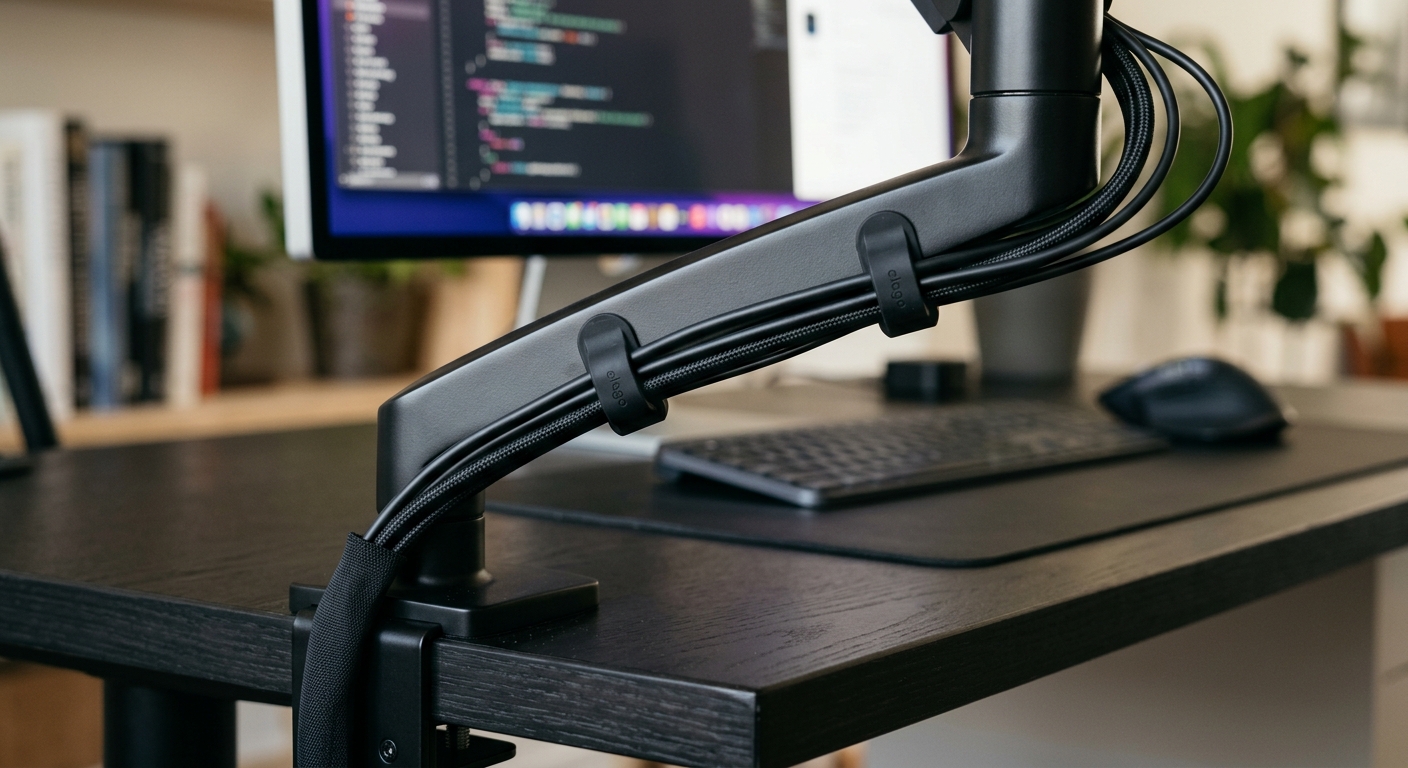
VESA is the standard that makes monitor mounting possible. Without it, every monitor would need a proprietary mount. With it, you can buy any VESA-compatible arm or stand and know it will fit your screen. But there's a catch — you need to know which VESA pattern your monitor uses.
What Is VESA?
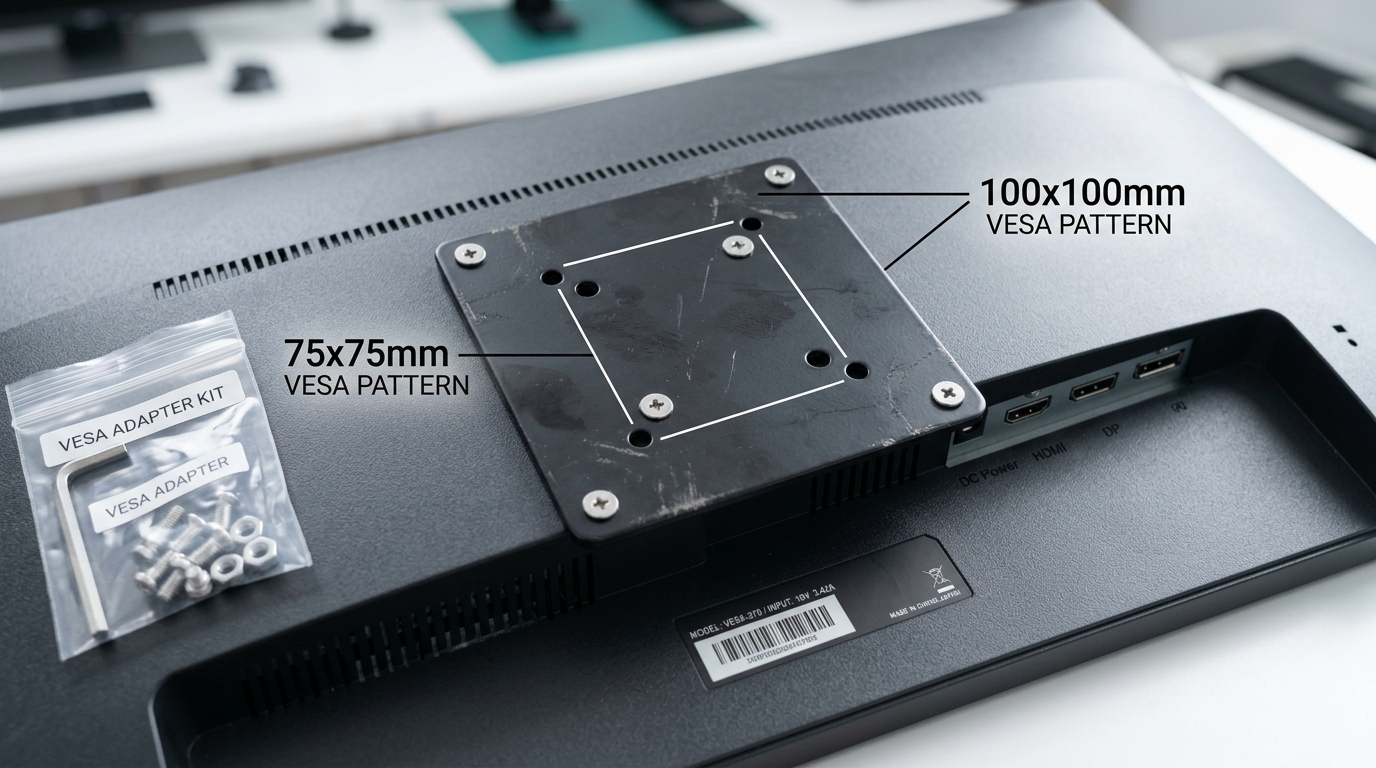
VESA (Video Electronics Standards Association) defines a set of mounting interface standards. The most common are FDMI (Flat Display Mounting Interface) patterns, which specify the distance between the four mounting holes on the back of your monitor.
The two patterns you'll encounter most often are:
- 75x75mm — typically found on monitors 13-22 inches
- 100x100mm — typically found on monitors 22-32 inches
Most monitor arms and mounts support both patterns. The mounting plate has holes drilled for both sizes, so you simply use the set that matches your monitor.
How to Check Your Monitor
Before buying a mount, verify your monitor's VESA pattern:
- Check the manual — the VESA size is usually listed in the specifications section.
- Look at the back — remove the stand (if attached) and look for four threaded holes in a square pattern. Measure the distance between the centers of two adjacent holes.
- Check online — search your monitor model number plus "VESA" to find the specification.
The holes may be hidden behind a plastic cover or the factory stand. If you see a rectangular panel on the back of your monitor that can be removed, the VESA holes are likely underneath.
What If My Monitor Isn't VESA Compatible?
Some monitors — particularly older models or certain all-in-one designs — don't have VESA holes. You still have options:
VESA Adapter Kit
A VESA adapter kit attaches to your monitor using adhesive pads or existing mounting points and provides a standard VESA plate. This is the most common solution for non-VESA monitors. Look for a kit that supports both 75x75mm and 100x100mm patterns.
Desk Clamp Mount
If your monitor has no VESA holes and you don't want to use an adapter, a desk clamp mount that holds the monitor by its edges is an option. These are less common and less adjustable but work for specific monitor models.
Larger VESA Patterns
For monitors larger than 32 inches, you may encounter larger VESA patterns:
- 200x200mm — for 32-55 inch displays
- 300x300mm — for 55-78 inch displays
- 400x400mm — for displays 78 inches and larger
Standard monitor arms typically don't support these larger patterns. If you have a large display, check the mount's specifications carefully before purchasing.
Weight Capacity vs. VESA Size
VESA pattern and weight capacity are two separate specifications. A mount may support 100x100mm VESA but only be rated for 17.6 lbs. Always check both:
- Your monitor's VESA pattern (75x75mm or 100x100mm)
- Your monitor's weight (check the spec sheet or weigh it)
- The mount's VESA compatibility
- The mount's weight capacity per arm
If your monitor is close to the weight limit, choose a mount with a higher rating. Running a mount at its maximum capacity reduces stability and can cause gradual sagging over time.
Quick Checklist Before You Buy
- Measure your monitor's VESA hole spacing
- Weigh your monitor (or find the weight in specs)
- Check that the mount supports your VESA pattern
- Verify the mount's weight capacity exceeds your monitor's weight
- Confirm your desk thickness is within the clamp range (typically 0.4-3.15 inches)
Get these five things right and your mount will fit perfectly on the first try.
Browse our collection of monitor arms, stands, and desk accessories.
Shop Now